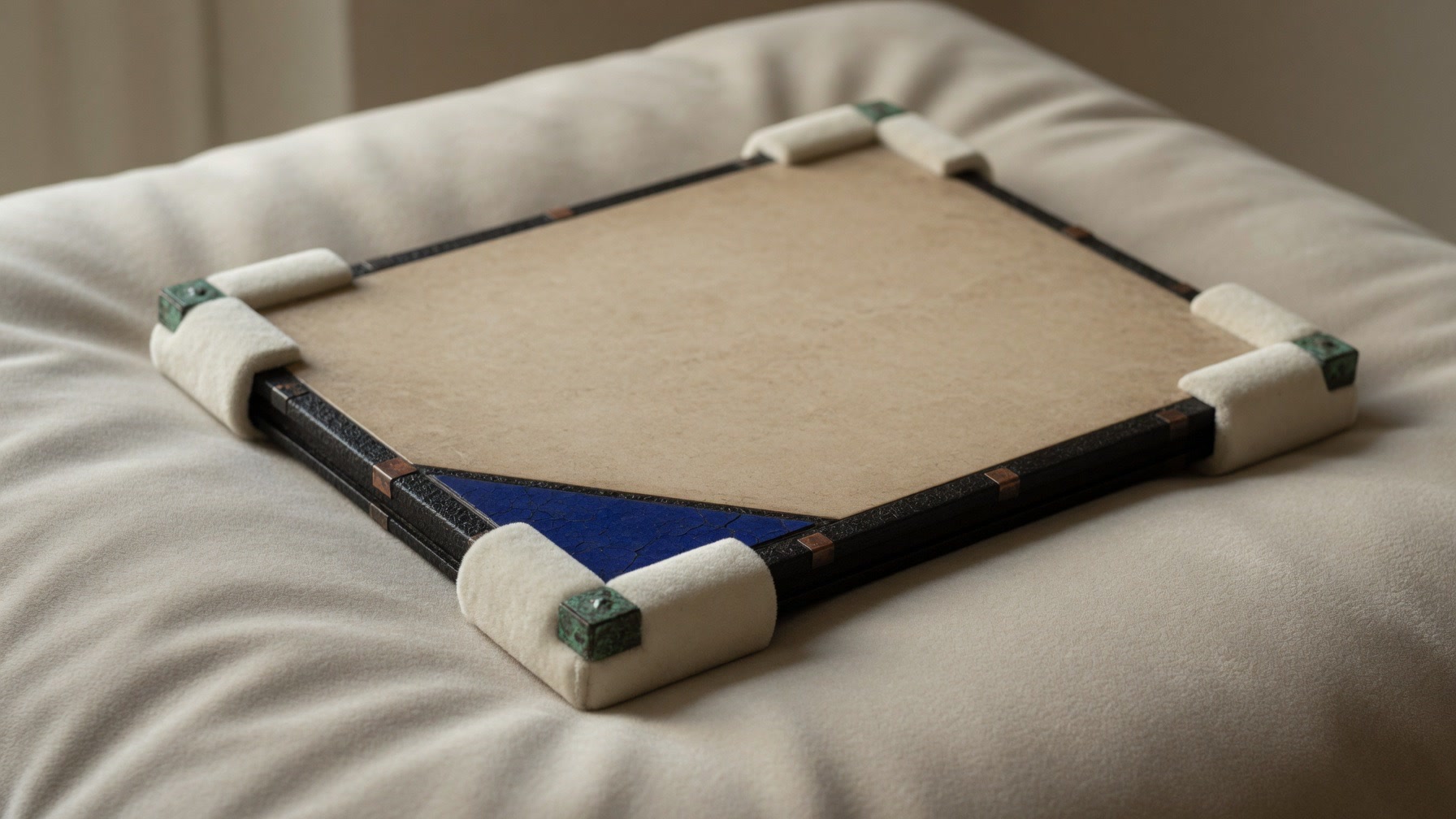
Not reviewed
No observation has been recorded yet. It is a prompt to look, not a negative assessment.
Archive Lantern offers a sequence of private working surfaces. Use only the drawers that suit the object and situation in front of you.
Overview and recent cards
F2Provisional working description
F3Five observation states
F4Twelve abstract bays
F5Movement checkpoints
F6Agenda and session summary
F746 illustrated prompts
F8Reset, export and policy
The cabinet is an asymmetric overview of current object cards and local review activity. It helps the device user return to unfinished work without creating a public profile, shared catalogue or searchable inventory.
Entries are intentionally labelled as working records. The app does not assign institutional accession numbers or claim to maintain an authoritative collection database.


Capture a working title, broad material group, storage zone, handling note and review priority. The field design discourages confidential, legal, financial, medical, security or youth information because none of it is needed.
Surface, Structure, Environment, Handling and Documentation can each be marked Not reviewed, Watch or Stable. These are local attention markers—not diagnoses or conservation outcomes.
No observation has been recorded yet. It is a prompt to look, not a negative assessment.
Something deserves attention or comparison. Pause if the issue may be unstable or unsafe.
The user observed no immediate change at that moment. It is not a guarantee of condition.
Users can attach their own local working codes to a simple twelve-bay map. The feature avoids GPS, street addresses, precise facility plans, barcode scans and QR data.
A bay is only a private visual cue inside the app. It should not replace a secure location register, controlled access system or institutional inventory.
Review support, the object's visible state, participants and a simple destination nickname.
Consider clearance, surfaces, doors, waiting points and interruptions before lifting or moving anything.
Make responsibilities and the receiving point clear. Pause if conditions differ from the plan.
Set the object down safely, compare the working observation and note open follow-up questions.
Create a private agenda card, select a review focus and write a local session summary. Review Table is suited to reminders such as “compare support options” or “confirm access protocol,” not legal determinations or approval workflows.
Use an organisation's own recordkeeping, permissions and consultation processes whenever the working note relates to sensitive or controlled material.
Six groups—Materials, Looking Closely, Storage, Movement, Continuity and Interpretation—pair original illustrations with short educational prompts. They introduce questions rather than prescribe treatment.
Read the full policy, reset the private workspace or start an optional export through Android's system document interface. Export never starts automatically; the user chooses the destination and controls later sharing.
Uninstalling or clearing app storage normally removes local app data. Android backup and device transfer are disabled for this release.